
Make sure to download the new Potential Christian Academy mobile app! Our school-branded app combines mobile access to FACTS Family Portal with the information PCA families use most often , all in one convenient place.
With the new PCA app, your student’s grades, attendance, homework, announcements, lunch orders, calendars, and more are right at your fingertips!
To download the app, simply visit the Apple App Store or Google Play Store on your mobile device and search for “Potential Christian Academy.”



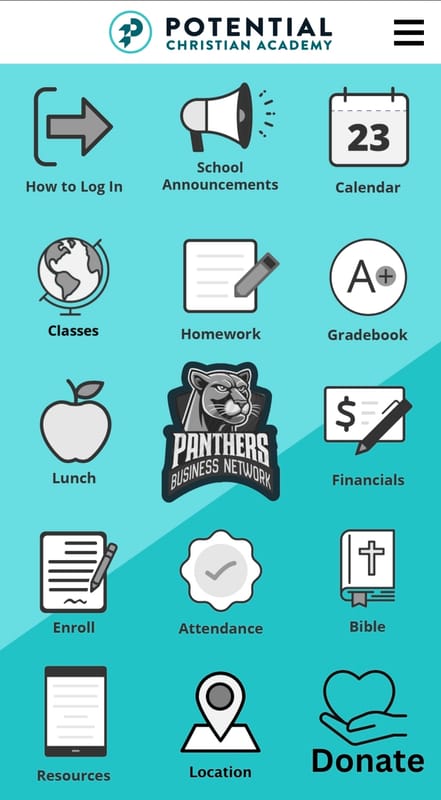
Be sure to allow notifications the first time you open the app, we’ll be using this feature for important updates, reminders, and quick school communications throughout the year.
Some features within the app require your FACTS Family Portal login credentials. For example, when accessing Gradebook or Announcements, you’ll be prompted to sign in through FACTS using the same username and password you already use for the FACTS Family Portal website.
Once logged in, you’ll have full access to all app features and will remain signed in for up to 30 days. If you need help logging in, simply click the “How to Log In” option within the app. If you do not yet have FACTS login credentials, please contact the school office and we’ll be happy to assist you.
We’re excited to provide our PCA families with an easier and better way to stay connected, informed, and engaged with everything happening at school!
If you have any questions, please contact the laura.cruz@ilovepca.com